BuilderStudio
Your design agent, on a canvas you already know
BuilderStudio works like Figma and publishes real websites. Builder, our design agent, designs with you and with Claude and ChatGPT.
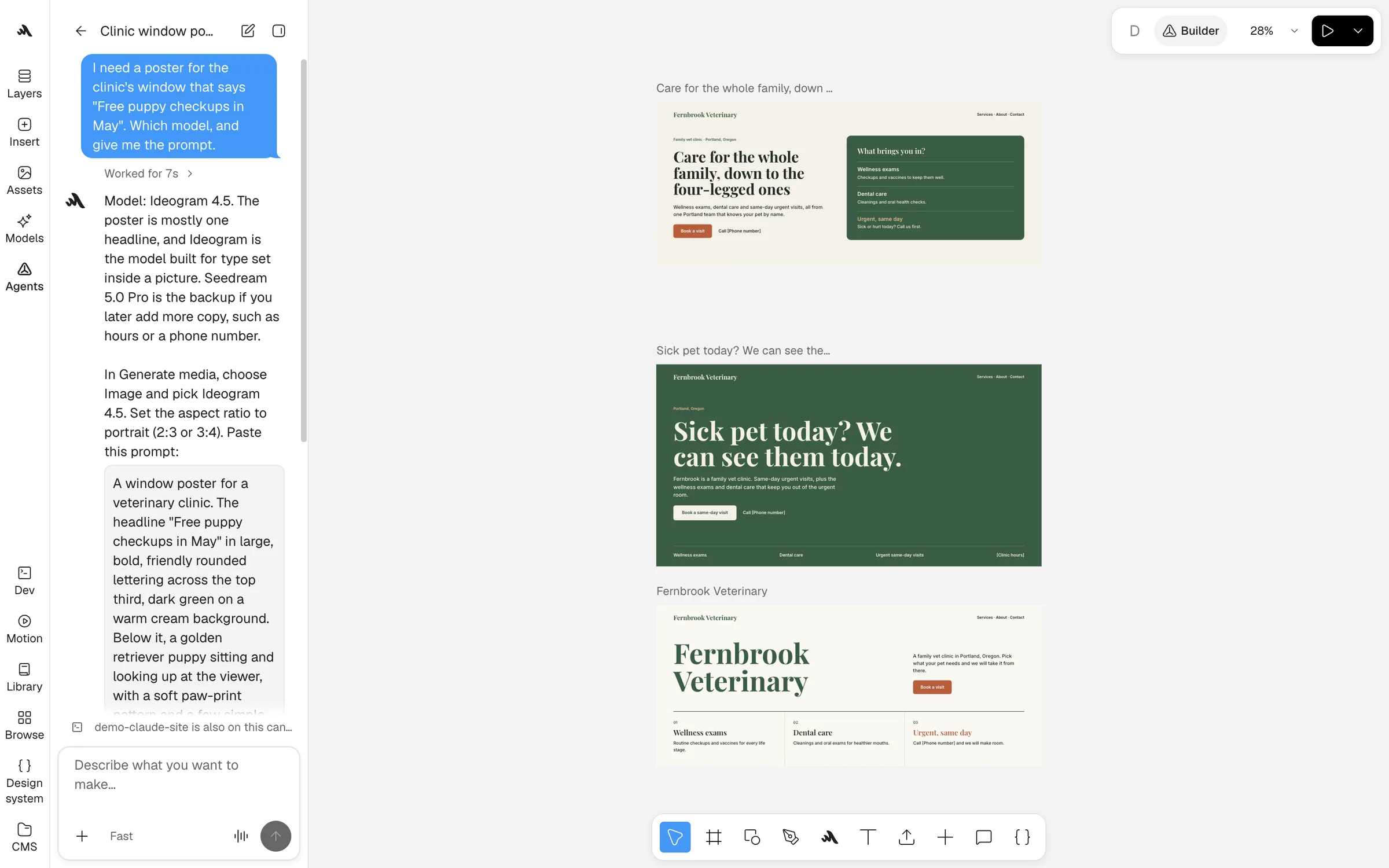
Builder, your design agent
Group chat with your agents
Claude and ChatGPT join Builder’s chat through the BuilderStudio MCP server, whether you watch or not. They make the parts, Builder keeps the design together, and you step in anytime.





Automate the busywork
Your agent brings in assets, names layers and fills in copy, right on the canvas.
Two agents, one thread
ChatGPT makes the images and Claude builds the page. Builder reviews both, and you have the last word.
Come back to layouts
Builder keeps working in the cloud after you close the tab. Your agent can even ask it to publish the site.
Bring your own plan
In the Mac app, run Claude Code or Codex on your own subscription, beside Builder. Their edits land on the canvas your team sees.
Nothing to relearn
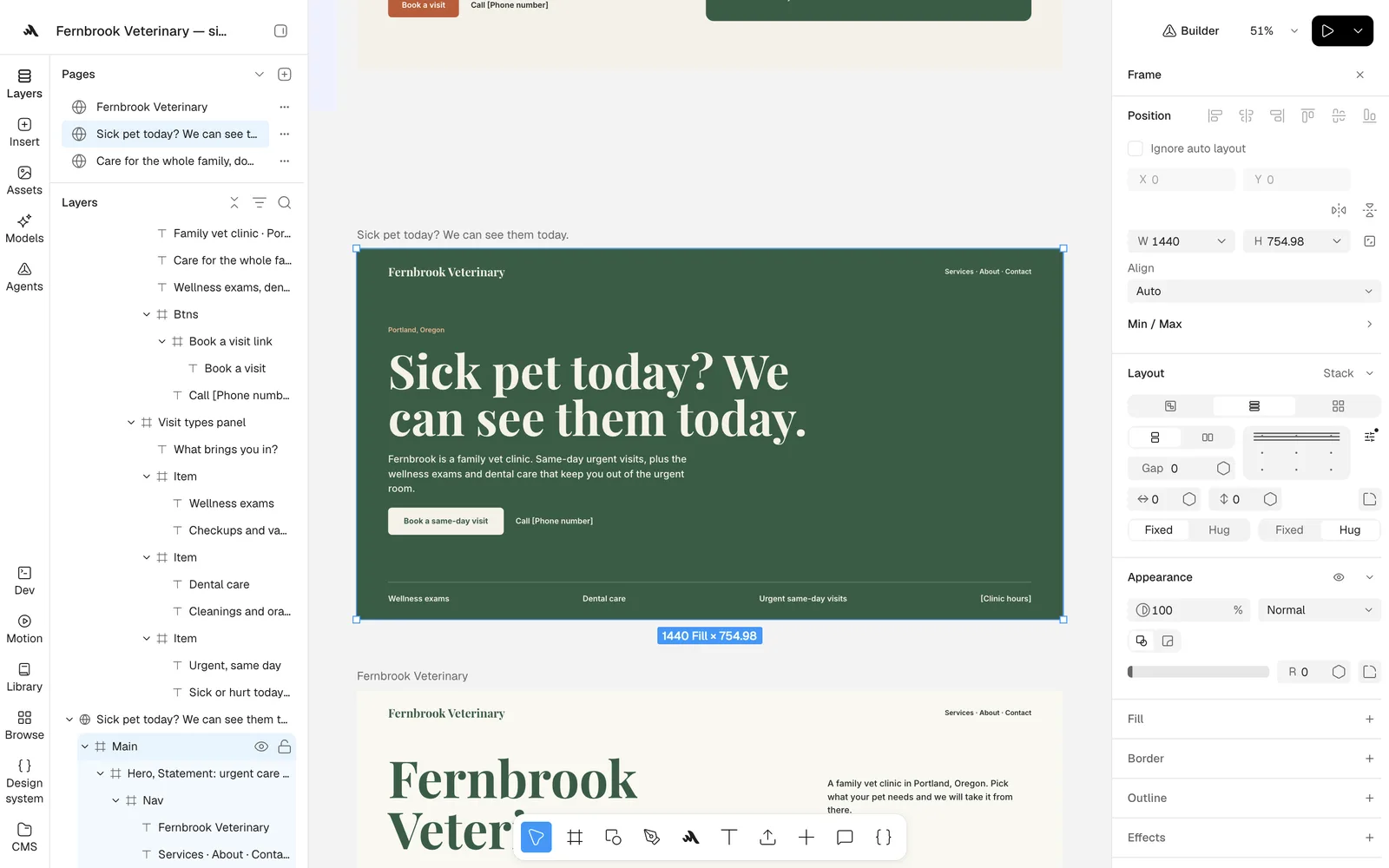
Feels like Figma, built on the web
Frames, auto layout, components and the pen tool sit where you expect them. Underneath, every layer is real HTML and CSS.
- Paste Figma frames in as editable layers
- Publish a site on your own domain
- Hand the canvas to your coding agent as code, not screenshots, so it spends fewer tokens
Make images, video and voice with the newest models
Generate on the canvas, then remove backgrounds, cut out objects, expand or vectorize in place.
 Nano Banana Pro
 GPT Image 2.5
 Seedream 5.0 Pro
 FLUX 3
 Recraft V4.1
 Kling 3.0 Pro
 Wan 2.7
 Eleven V4
Made on the canvas

Campaign imagery
Generated in the brand palette with Nano Banana 2.1.

A product film
Animated from one still with Kling O3 Pro.
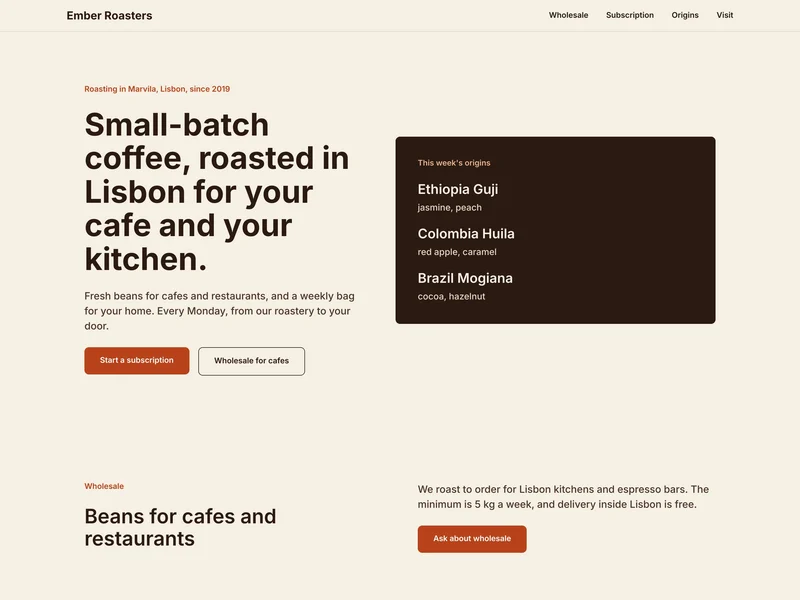
A published site
Built by Builder from a short brief and published from the canvas.

A brand board
Logo, palette and icons, made with Recraft V4.1 Pro.

Social formats
A story, a post and a portrait, laid out by Builder.
One workspace for the whole team
Your files in one cloud
Images, videos and fonts live in the workspace, ready on every canvas.
Design together, live
Invite your team and watch their cursors as they work.
Share with clients
Send a review link where clients comment and approve.
Bring a brief. Builder brings the first draft.
Create a workspace, then invite your team and your agents.